

User and computer management for schools

Simplified management
CC5 consolidates multiple management consoles into one easy-to-use interface, eliminating the need for complex, multi-tool solutions.

Save time and resources
Manage devices remotely, and streamline workflows, reducing network management time significantly.

Reduce budgetary strain
CC5 offers a cost-effective alternative to expensive, cumbersome IT setups, freeing up valuable resources for other critical school needs.

Ensure DfE compliance
CC5 is built with DfE guidelines in mind, providing easy-to-access dashboards and reporting features to demonstrate compliance.

Access anywhere, anytime
Manage your school network securely from any device, anywhere, eliminating the need for on-site management.

Empower staff of all technical abilities
CC5's easy-to-use interface allows all staff to confidently manage school IT.

Remote device management
Remote device management
CC5 consolidates multiple management consoles into one easy-to-use interface, eliminating the need for complex, multi-tool solutions.

User access control
User access control
Control the access to devices and applications at a user level.

User management
User management
Add and remove users in an instant, and set up groups of users to improve efficiency of access control.
DfE compliance
DfE compliance
CC5 has been built to comply, and keep up to date with, the relevant DfE guidance.

Automated reporting
Automated reporting
CC5’s variety of dashboards provide you with real time reporting on the status of your devices and users.

Secure
Secure
CC5 has been built to high cyber security standards, and offers features such as remote data wiping, to protect your staff and students.

Cloud-based platform
Cloud-based platform
CC5 is cloud-based to support your move to the cloud (or work with it if you’re already there).

For Windows and Google
For Windows and Google
CC5 currently supports Windows 11 and Google OS. We’ll be adding more in the future.


Case study
Hear from Sutton School about how CC5 helps make user and device management much easier.
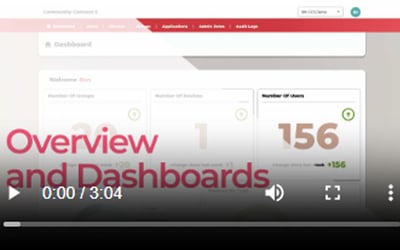
CC5 demos
See our full demos of CC5 delivered by Ben Jones, one of our CC5 product designers.

For our CC4 customers
Are you a current CC4 customer? We want to look after you! This area has everything you need to prepare for CC5.